Keep recording in the background
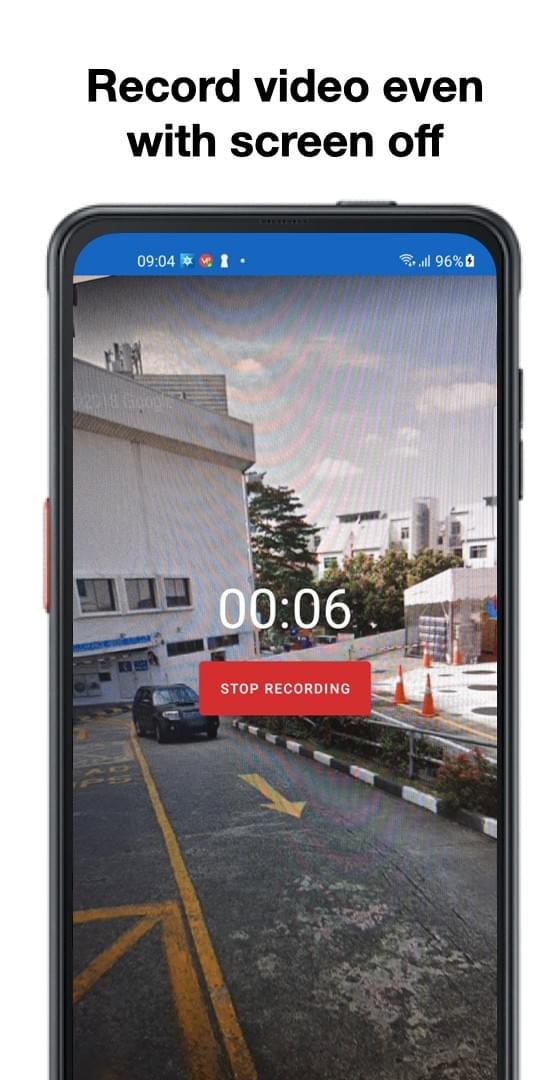
Capture continues when the app is not on screen or the phone is locked, subject to Android device behavior.
Field video, organized
OliveCast helps police, security, and field teams capture video on Android, sync it to the cloud, and give the right people a reliable way to review it.
Get the Android app (opens in a new tab)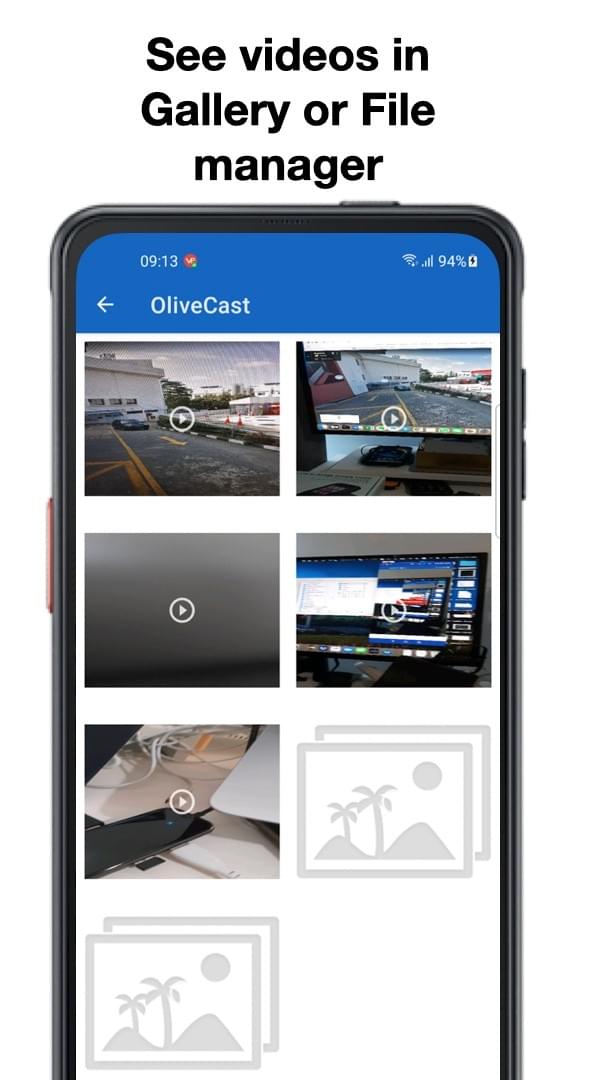
How it works
OliveCast connects the device in the field to the people responsible for reviewing what happened.
Turn an Android phone your team already carries into a focused recording tool.
Move footage to the cloud over Wi-Fi, with transfer behavior your team can understand.
Give authorized people one place to find, review, and share the right clip.
Platform capabilities
Capture, transfer, and access are connected without treating labels as performance promises.
Capture continues when the app is not on screen or the phone is locked, subject to Android device behavior.
A long-press stop control helps keep an active recording from being ended by a stray tap.
Automatic synchronization is designed for Wi-Fi-connected workflows, so teams can plan transfer around their environment.
Send a clip directly from the device when an incident needs to reach someone quickly.
Role-based access keeps footage available to the people responsible for it.
Use familiar Android devices in a workflow that can grow from a field team to a wider organization.
OliveCast began as a body-worn camera app that turned any Android phone into reliable recording equipment. That field-tested capture experience is now the foundation of the OliveCast platform.
See exactly what your body cam is capturing in real time. Stopping a recording requires a long press, so footage can’t be cut off by accident.
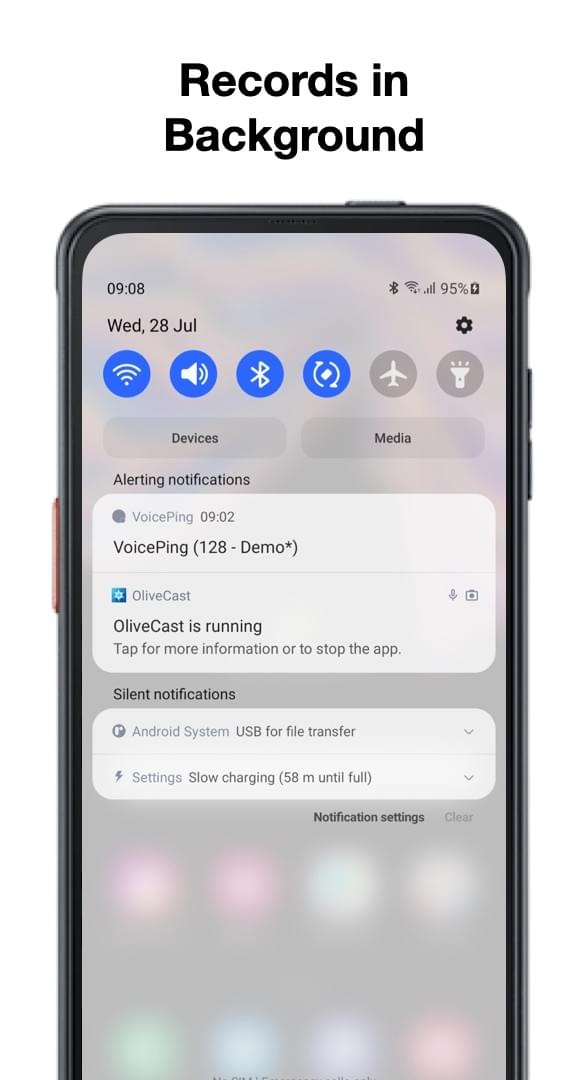
For a security tool, capturing everything matters. OliveCast keeps recording even when the app isn’t on screen or the phone is locked.
Every clip is tagged with a timestamp automatically. With Mobile Device Management enabled, footage in the built-in player can be locked from deletion or editing.
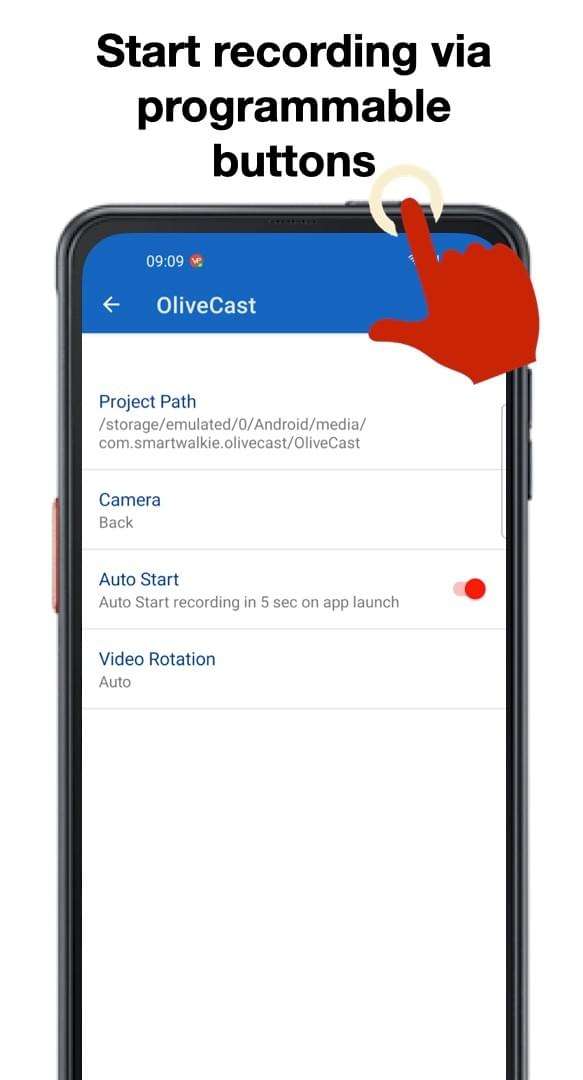
When incidents happen, reaching for an on-screen button can take too long. Auto-start works best paired with a phone’s programmable hardware keys.
Before it was a platform, OliveCast was a body-worn camera app for police, security teams, and personal use — turning any Android phone into an always-on recording device. No dedicated hardware, no per-unit cost, just a smartphone your team already carries for comms and guard tours.
Officers and guards could send footage out the moment it mattered — over email or WhatsApp — or sync it automatically over Wi-Fi to apps like Google Drive or Dropbox, without the recurring cost of a dedicated body-cam vendor's backup plan. This platform carries that same philosophy forward: capture on the device people already have, and back it with the visibility, access control, and audit trail that growing field organizations need.
Give your team the same screen-off, always-on recording OliveCast started with — now with cloud sync, access control, and a dashboard built for your organization. No new hardware to roll out, no lengthy setup.
Tell us about your organization and workflow.